Board Index › Knowledge Base › Search Engines & Indexing › Connecting Google Search Console to Your phpBB Forum

Connecting Google Search Console to Your phpBB Forum

Verify ownership and monitor search performance with the Google Search Console bridge.

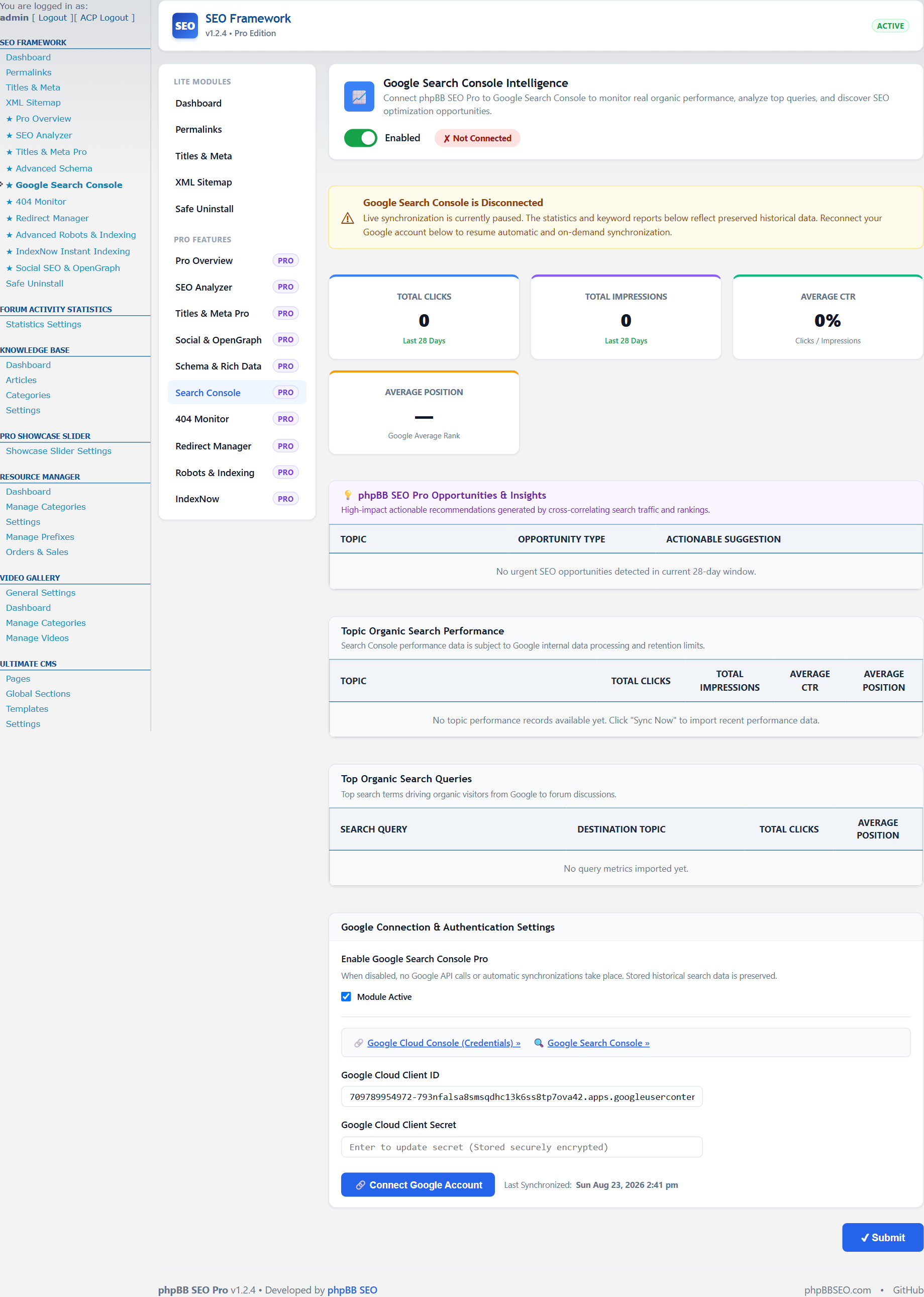
Connecting your community to Google Search Console allows you to monitor indexing status, search queries, and crawl errors.

Image

Step-by-Step Verification:
  1. In Google Search Console, add your domain property and choose HTML tag verification.
  2. Copy the verification token from the meta tag (e.g. google-site-verification=abc123xyz).
  3. Open ACP -> SEO -> Google Search Console and paste the token into the Verification Tag field.
  4. Save settings and click Verify in Google Search Console.

Share this article

Share this guide with your network and community.

Was this article helpful?
Login to vote.