- Step 1: Install & Enable Extension: Upload the extension folder into
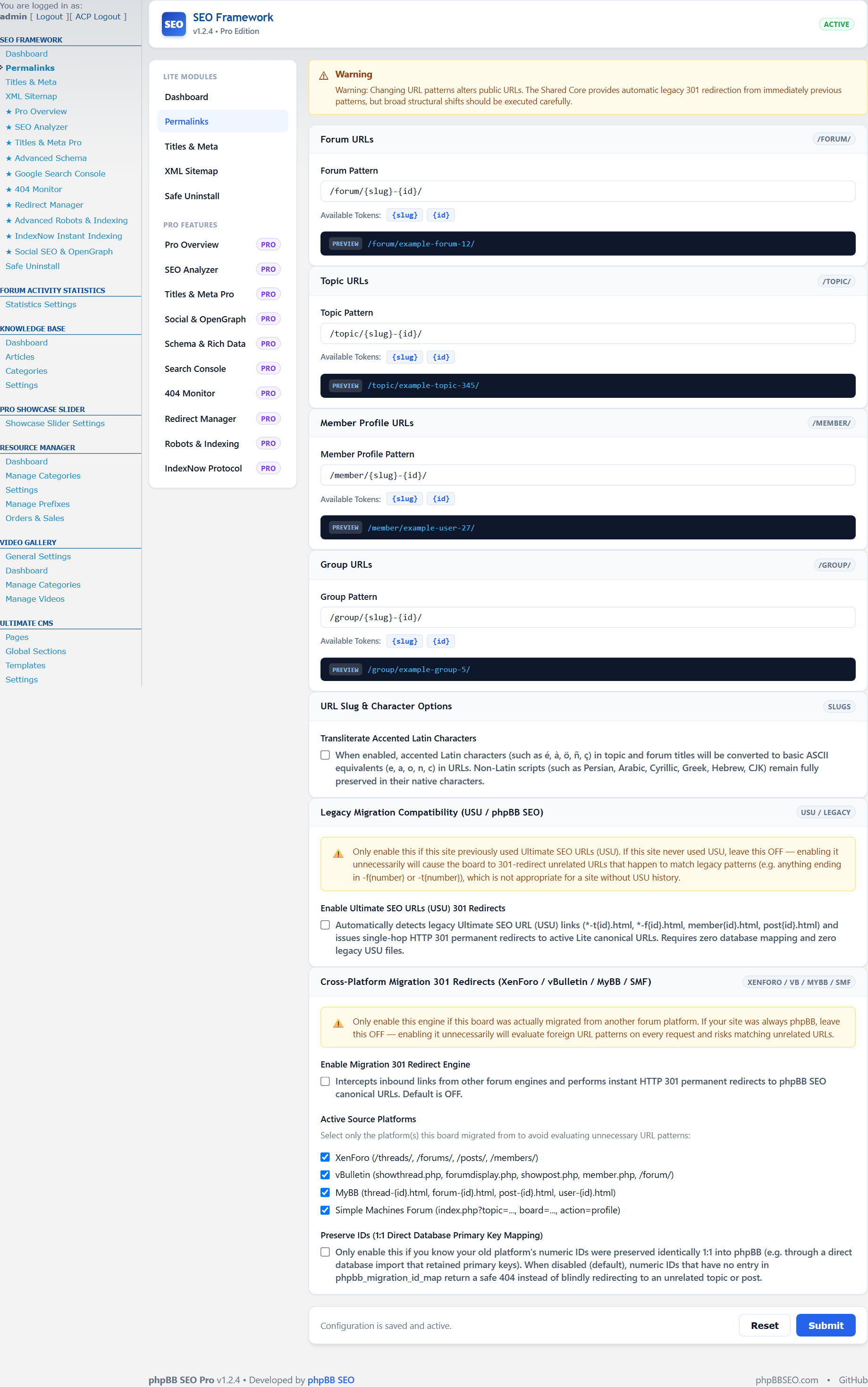
ext/phpbbseo/framework/and enable it via ACP -> Customise -> Manage extensions. - Step 2: Enable SEO Permalinks: In ACP -> SEO -> Permalinks, switch Permalinks to Enabled and choose your preferred URL structure.
- Step 3: Enable Dynamic XML Sitemap: Navigate to ACP -> SEO -> XML Sitemap and turn on automated sitemap generation.
- Step 4: Configure Social Sharing: Upload a default fallback social share image in ACP -> SEO -> Social SEO.
- Step 5: Purge Board Cache: Purge your board cache in ACP -> General -> Purge cache to compile the latest templates.
Your forum is now actively serving clean URLs, structured data, and search engine sitemaps!