phpBB SEO Pro
PRO SUITE
1 / 9

Pages Extension for phpBB
Easily create and manage custom static pages on your phpBB forum with advanced template customization options.
v3.1.1
phpBB CDB Extension

1 / 5
About This Resource
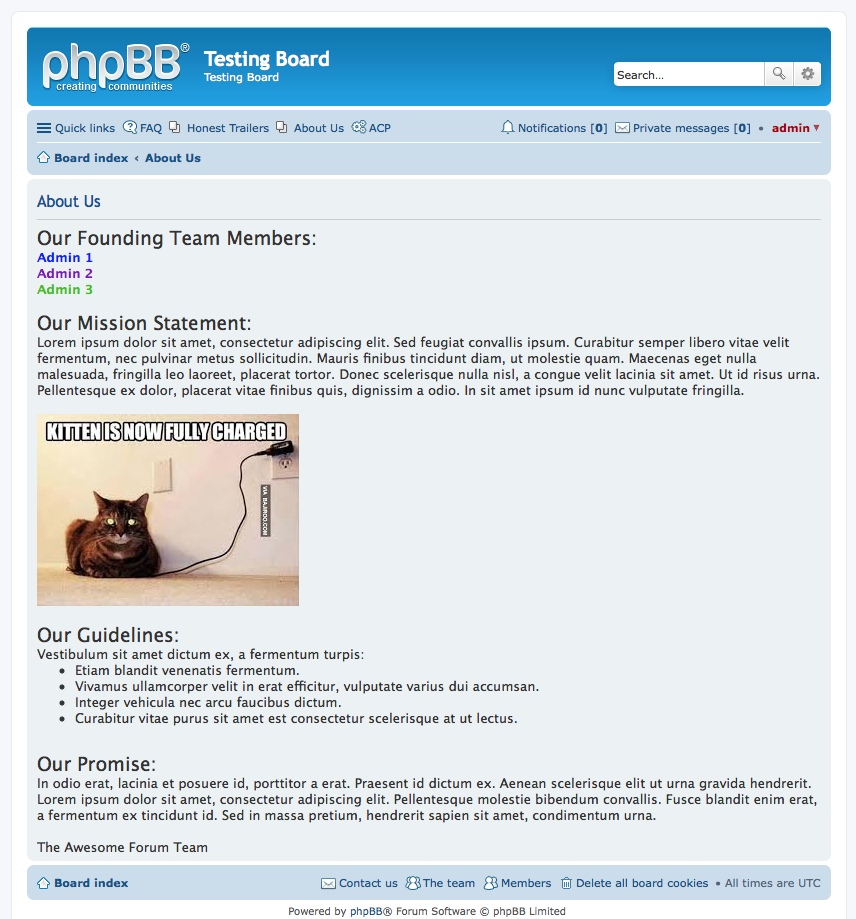
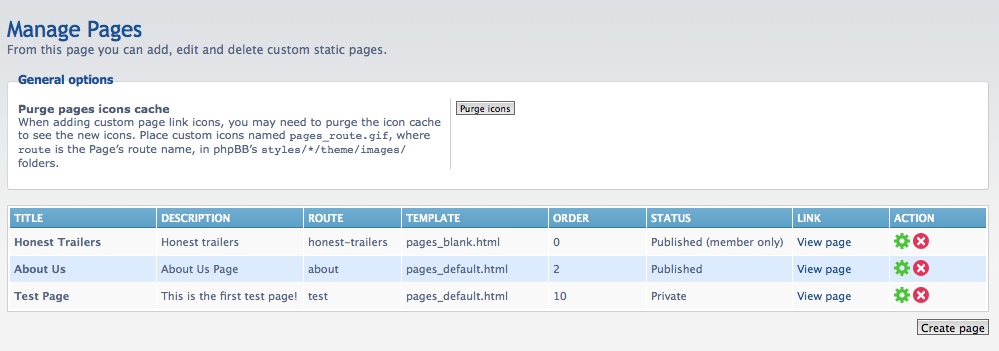
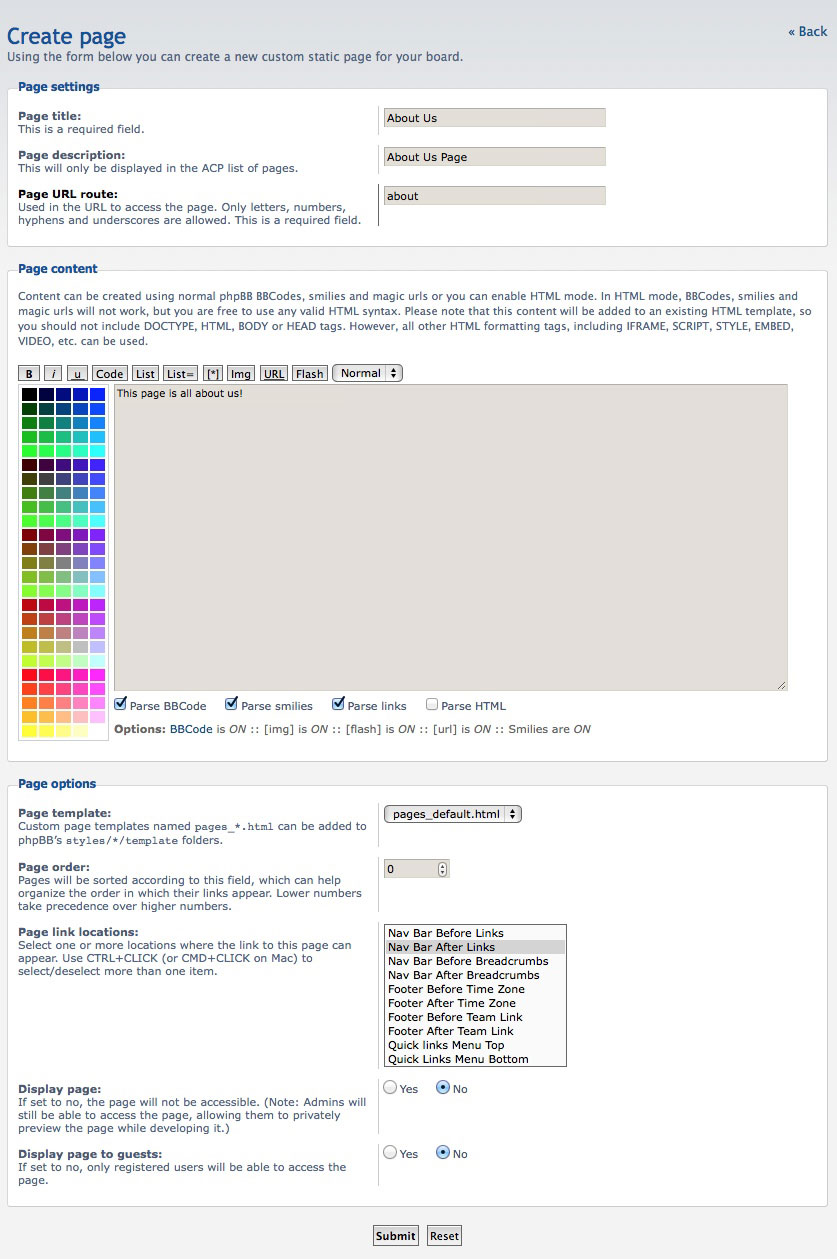
The Pages extension for phpBB allows administrators to effortlessly create, manage, and display custom static pages directly within their forum structure. Whether you need to publish a comprehensive FAQ, terms of service, community guidelines, or any other informational content, this extension provides a seamless way to integrate new pages without modifying core forum files.
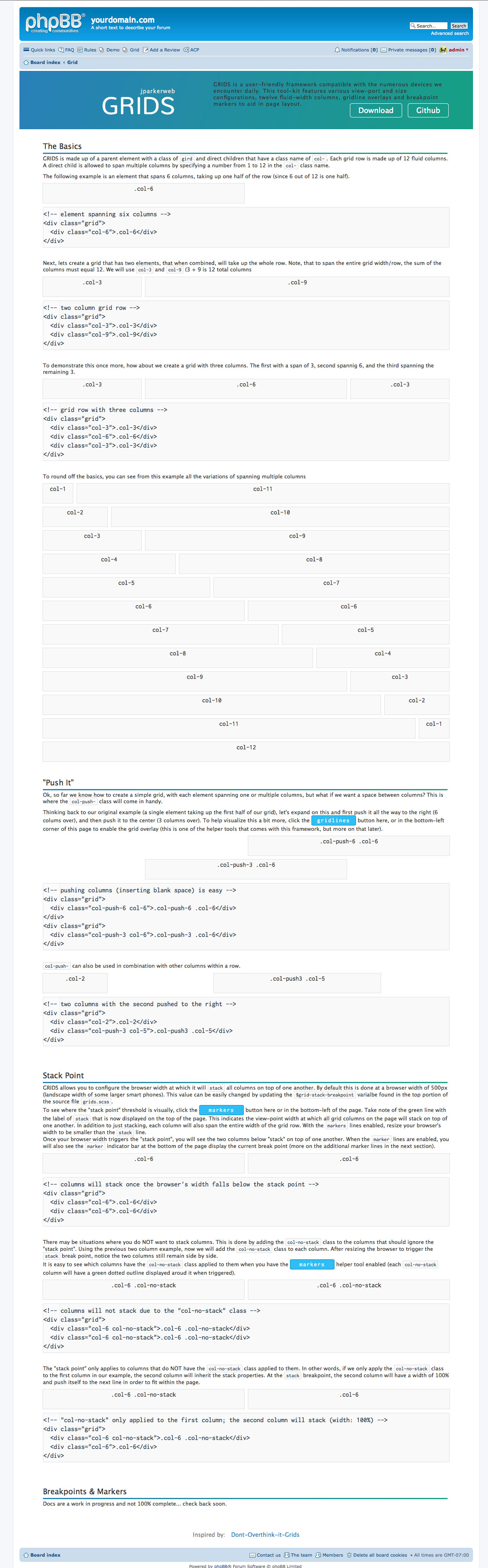
Designed by Marc Alexander, the Pages extension seamlessly blends into your existing phpBB layout, utilizing standard template structures and supporting custom link icons. It also includes an automatic conversion tool for administrators migrating from the legacy Static Pages MOD, ensuring a smooth transition of your valuable content.
Key Features
The Pages extension for phpBB allows administrators to effortlessly create, manage, and display custom static pages directly within their forum structure. Whether you need to publish a comprehensive FAQ, terms of service, community guidelines, or any other informational content, this extension provides a seamless way to integrate new pages without modifying core forum files.
Designed by Marc Alexander, the Pages extension seamlessly blends into your existing phpBB layout, utilizing standard template structures and supporting custom link icons. It also includes an automatic conversion tool for administrators migrating from the legacy Static Pages MOD, ensuring a smooth transition of your valuable content.
Key Features
- Create and manage unlimited custom static pages via the Administration Control Panel (ACP).
- Automatic data import and conversion from the legacy Static Pages MOD.
- Fully customizable page templates and navigation link icons.
- phpBB 3.3.0 or higher
- PHP 8.1 - 8.3
- Download the archive and extract its contents.
- Upload the extension directory to your forum's
ext/folder. - Log in to the phpBB Administration Control Panel (ACP).
- Navigate to Customise > Manage Extensions.
- Locate the extension in the Disabled list and click Enable.
Official Notice: Sourced from the official phpBB community. Support and source code available via original topic.
pages_extension_for_phpbb.zip
225.2 KB • 19 Downloads
Join Forum Discussion
Discuss this resource and share feedback with other members.





1 / 5